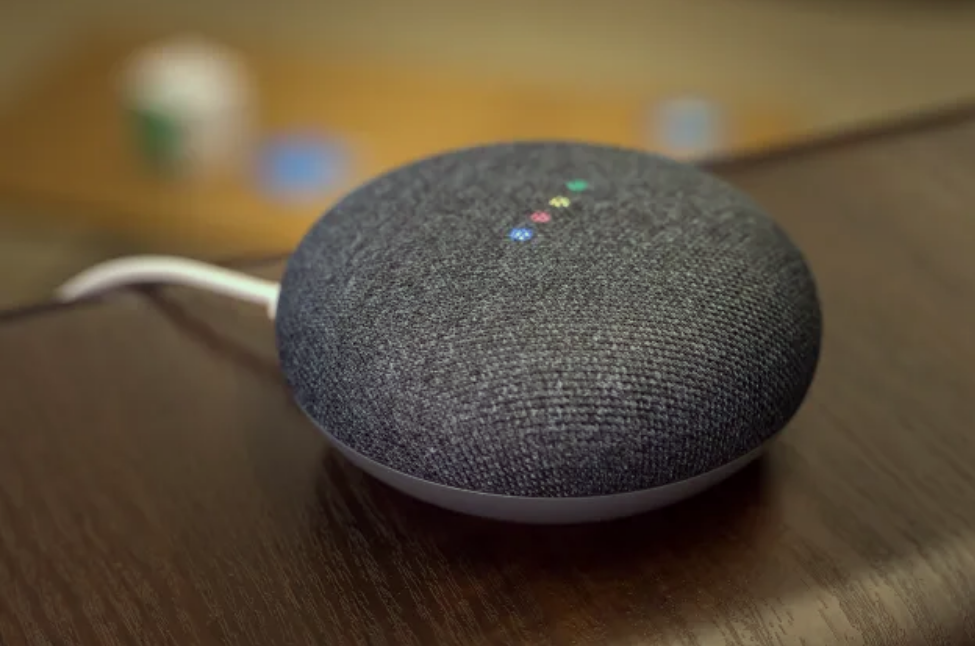
每天早晚或需要的时候,对着房间里的 google home mini 喊一声“play podcast xxx”,lindon 就可以开始听“wow in the world”、“nbc ngihtly news”等喜欢的 podcast 了, 如诗般顺滑,体验极佳。
但 google 最近把 google podcast 这款产品给砍了,播放 podcast 的功能转移到 youtube music 上,而 YTM 的体验实在是一言难尽,平台上 Podcast 少、内容更新滞后、podcast 与 music 傻傻分不清楚、对语音识别的处理糟糕等等,从 5 月开始 google home mini 就无法象以前那样愉快地玩耍了。
为了让 lindon 同学能继续愉快地玩耍,这两天晚上折腾了下、完美解决,简单记录下:
1、善用 Automations/routine: 将手机上的 google home APP 的语言调整为 english(非 home mini 识别语言,是 APP 的),因为主要使用英语交互,这样设置后,Automation 不会出各种幺蛾子。
2、Youtube music APP 中设置 podcast:YTM 功能太杂,podcast 只是顺带着支持下,实在没法用,在使用 routine 之前,在 library 中通过 RSS 手工添加需要订阅的 podcast(6 月 23 日之前也可以从 google podcast 中导出)。
3、自定义 routine: 以 nbc nightly news 为例,在 google home APP 中新增 routine
starter 设置 voice command:“play podcast nbc”,及 When time is: 6:50 weekdays;
Action 设置:Play NBC nightly news from library on youtube music;Action 可以是 play podcast,也可以是 news(可指定)、radio(可设定全球各地频道、未细究)、music 等,可叠加、按需设置;
这样每天早上 6:50,Home mini 就会自动播放 nbc;或者对着 home mini 喊一声,又能愉快地玩耍了。
4、Play news: 除了 podcast,mini 也可以播放新闻、电台,对着喊一声,play the news,mini 就会播放我设定好的新闻节目了(new york times、bbc news summary、the economist 等)。
5、Play music:play xxx on youtube music(歌名),play playlist xxx(YTM app 中自定义的 playlist),play some music(随机播放)。
reddit 上一堆人吐槽 google,google podcast 简单好用、这么好的产品说砍就砍了,留下用户在风中凌乱。不过一顿折腾下来,算是对 google home 相关的产品及逻辑了解得比较透彻了。
目前 google home 接管的设备有台灯、扫地机器人、两个 home mini,折腾下来还是蛮顺畅的,突然有购买更多智能设备的冲动了,还是要淡定。